
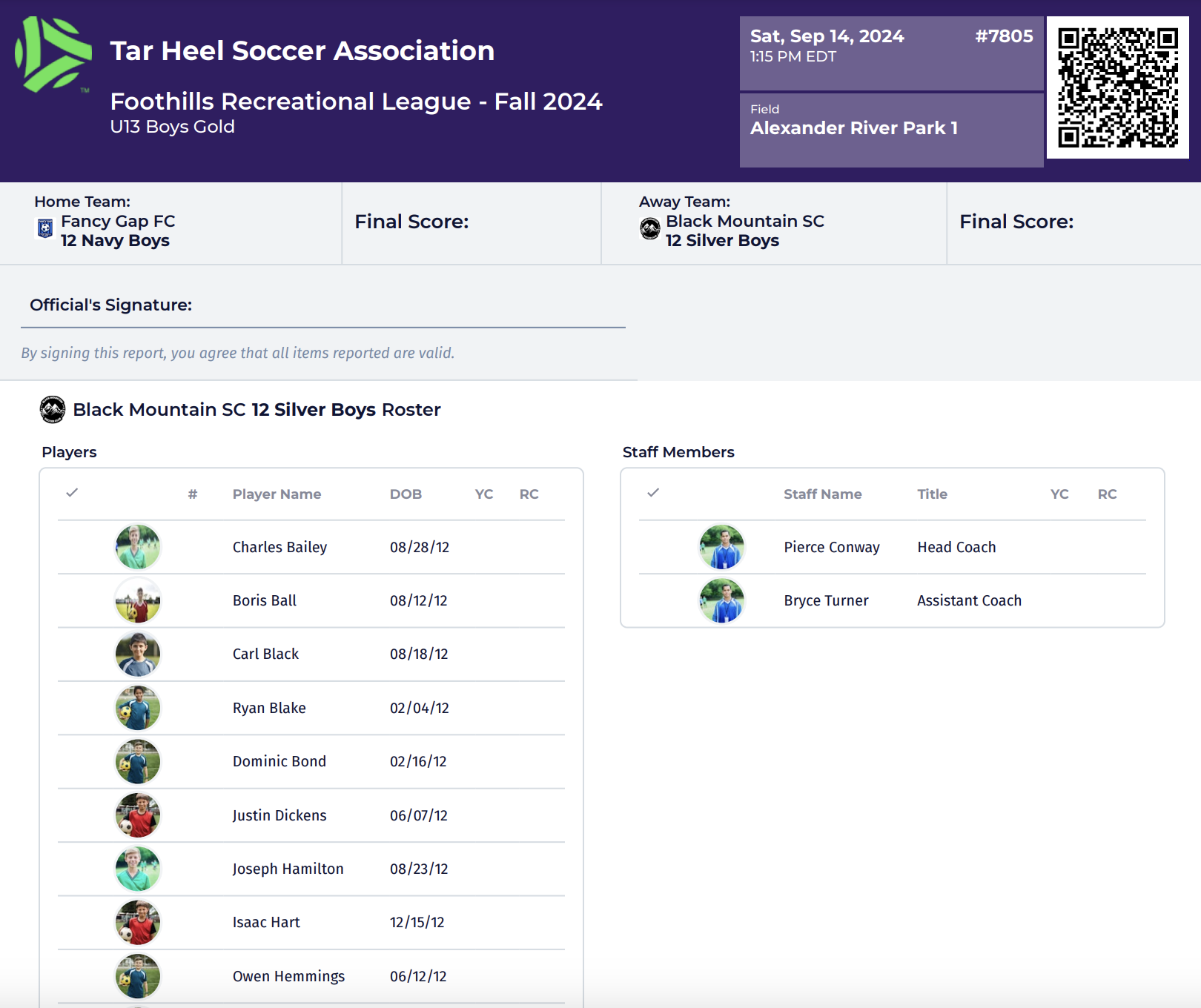
For coaches and team managers, the Game Card is the essential bridge between digital team management and field-side operations. It serves as the official record for rosters and referee validation. While PlayMetrics centralizes this data, navigating to the final print-ready PDF requires a specific sequence of steps to ensure all player data and jersey numbers are synced.
Team Admins and/or Coaches are responsible for printing game cards to provide to referees on game days. Our advice is to print no more than 48 hours prior to the game day to account for club pass players or any roster changes.
In your Team Admin or Member role within the governing organization, navigate to a game via the Schedules area.
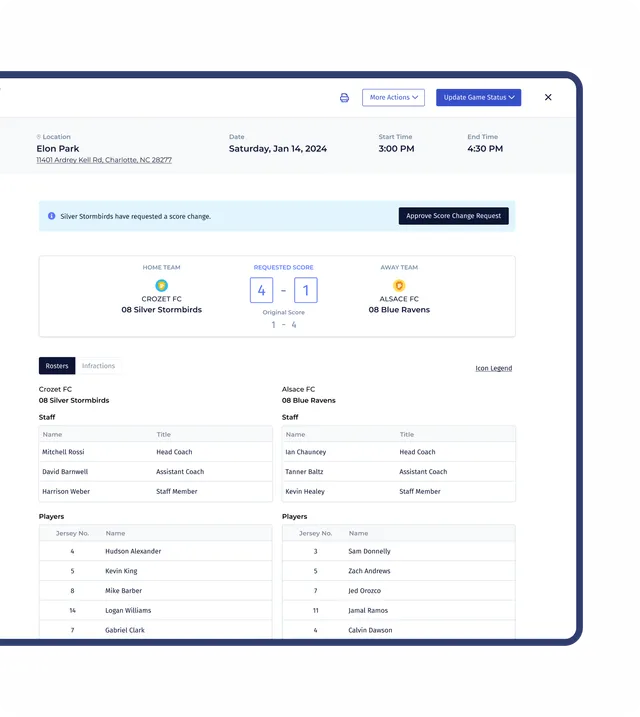
When you click on a game, it will open the Game Details window. Click More Actions and the Print Game Card.
You will then be able to view and print/save the game card.

Leave a Reply